Step 1
Click on Network Configuration
Step 2
Click on Advanced
Step 3
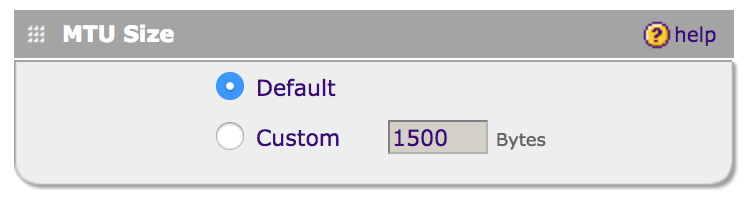
Set the MTU Size to Default or Custom depending on the settings provided by your ISP
Step 4
Click Apply to save your settings
Step 1
Click on Network Configuration
Step 2
Click on Advanced
Step 3
Set the MTU Size to Default or Custom depending on the settings provided by your ISP
Step 4
Click Apply to save your settings
Our support team is available 24/7 to answer your questions.